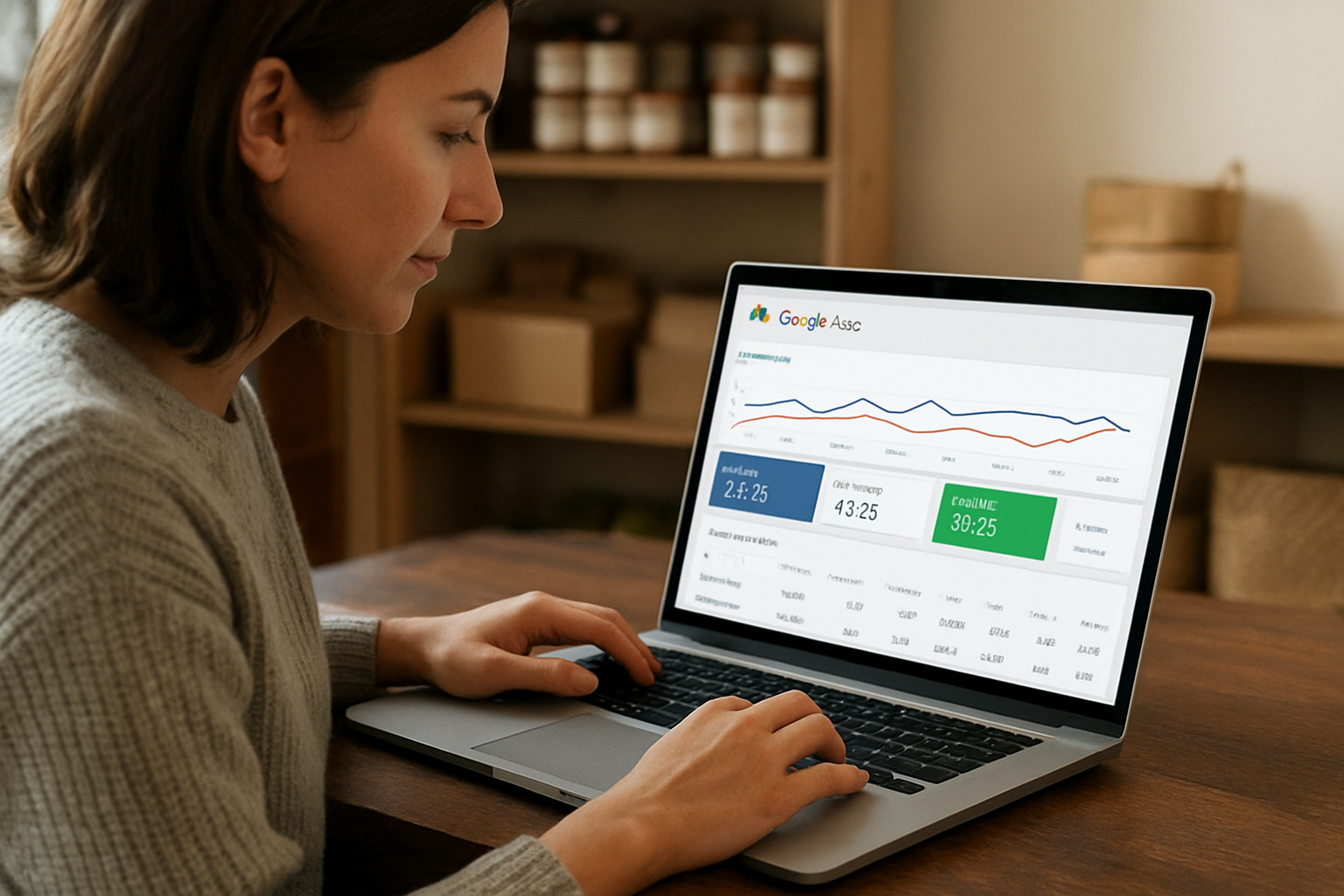
New reporting and language controls in Google Ads give advertisers a clearer view of which searches, creatives and landing pages drive results.
Why this matters for small advertisers
Google is rolling out new AI Max features for Search advertisers that are designed to give businesses more control and clearer reporting inside Google Ads. For small businesses, the practical value is not the feature name itself. It is the chance to see which search terms triggered an ad, which creative assets were shown, and which landing page the user reached in one unified view.
That matters because AI Max combines search term matching, text customization and final URL expansion, according to Google’s help documentation in the research brief. If a campaign is matching more broadly, the risk is wasted spend on irrelevant queries or sending traffic to the wrong page. The new reporting stack is meant to help advertisers review search terms, keywords, assets and landing pages together, which makes it easier to spot where money is leaking.
What Google is changing
Google says AI Brief is expanding its closed beta to Dutch, French, German, Italian, Japanese, Portuguese and Spanish. AI Brief lets advertisers describe their business, audience and messaging in their own words. That is useful for owners who want AI to follow their positioning more closely instead of relying on generic ad copy.
Google is also introducing a new reporting feature in Google Ads that provides a single, unified view of the Search ads journey. The company says this view will show the search terms that triggered ads, the creative assets users saw and the exact landing pages they reached. Google says more details and availability will follow later this year.
How small businesses can use it
The opportunity is operational, not theoretical. A local service business, consultant or ecommerce seller can use the new reporting to compare search intent against the ad and landing page that followed. If a term is triggering clicks but the user is landing on a page that does not match the query, that is a signal to tighten the campaign structure or adjust the URL path. If one asset keeps appearing in conversions while another does not, the business has a clearer basis for shifting budget or revising creative.
The research brief says Google’s help pages also include controls such as negative keywords, negative URLs, brand exclusions and URL inclusions. Those controls matter because they give advertisers a way to limit where automation can go. For small businesses, that can mean less waste, fewer off-brand impressions and better protection against broad matching that drifts away from high-intent searches.
The practical risk to watch
The main risk is that broader automation can create more exposure before the account owner notices it. If new Search campaigns may have AI Max turned on by default, as the research brief notes, then reporting is not optional. Businesses that do not review search terms, assets and landing pages regularly could pay for traffic that looks active but does not convert.
For BizTipper readers, the opportunity is to use Google’s new controls as a diagnostic tool: identify wasted spend, improve intent matching and connect the right creative to the right landing page. That is the kind of small operational edge that can save money without requiring a bigger ad budget.