Small businesses using Google Search ads may get a clearer way to steer AI-generated targeting and spot wasted clicks across query, creative, and landing page data.
Why this matters for small advertisers
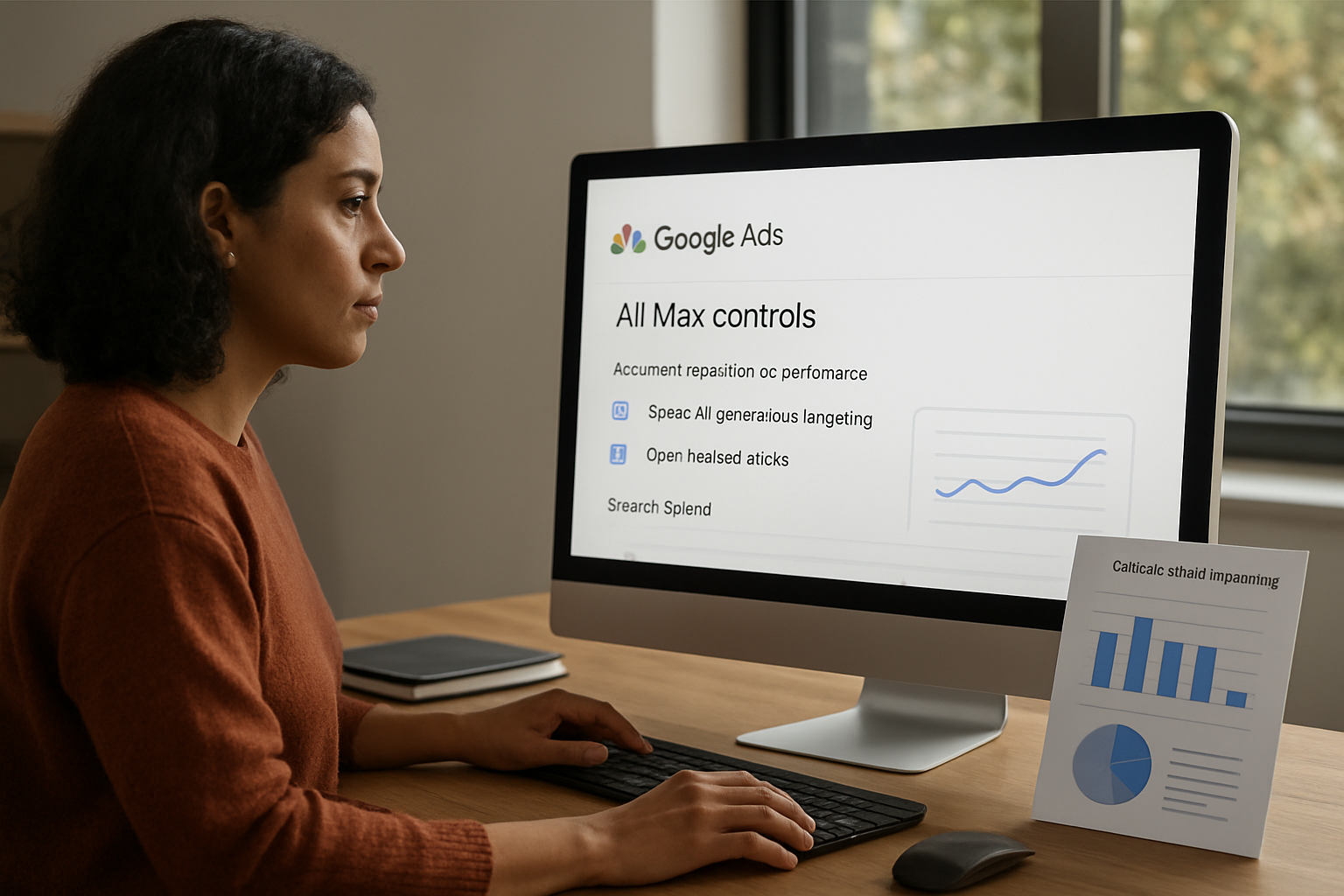
Google says it is expanding AI Brief to more languages and adding a new reporting view for AI Max in Google Ads. For small businesses, the practical value is not the product label itself, but the combination of tighter guidance and clearer attribution: you can give AI more context about your business, audience, and messaging, then review a single view of the search journey to see what terms triggered ads, which creative assets were shown, and where users landed.
That matters for owners who need every click to pull its weight. Local service businesses, lead-generation agencies, and e-commerce sellers often lose money when search ads attract irrelevant queries or send traffic to the wrong page. Google’s new reporting is designed to make those weak spots easier to see.
What Google is changing
According to Google, AI Brief is moving into a closed beta in Dutch, French, German, Italian, Japanese, Portuguese, and Spanish. Google says AI Brief lets advertisers guide AI Max “in your own words” with detailed context about the business, audience, and key messaging. That gives advertisers more room to steer AI-generated search ads toward on-brand, compliant copy instead of leaving the system to infer intent from campaign structure alone.
Google is also introducing a new reporting feature that shows a single, unified view of the Search ads journey. The company says the view will combine search terms, creative assets, and landing page destinations so advertisers can better understand how customers interact with the business and validate the value AI Max brings to campaigns. Google says more details and availability will come later this year.
How small businesses can use it
The opportunity is to use the reporting as a cleanup tool, not just a dashboard. Google’s help documentation for AI Max reporting says advertisers can use these reports to assess relevance, simplify account structure, and add negative keywords or negative URLs when terms or pages underperform. That makes the update especially useful for businesses trying to reduce wasted spend and improve conversion rates without rebuilding every campaign from scratch.
A practical workflow is straightforward: test AI Max on an existing Search campaign, review the unified reporting for mismatches between search term, ad creative, and landing page, then cut the weak links. If a query is attracting clicks but not leads, the report can help identify whether the issue is the keyword intent, the asset shown, or the page the user reached. If the page is wrong, negative URLs may help. If the query is wrong, negative keywords may be the fix.
The business risk to watch
The main risk is assuming automation will self-correct. Google’s update gives advertisers more guardrails, but the value depends on active review, exclusions, and budget monitoring. Small businesses that do not check search terms, landing pages, and asset performance can still pay for traffic that does not convert. Used well, though, the new controls and unified reporting could help owners tighten targeting, reduce irrelevant clicks, and make AI Max easier to justify as a revenue tool rather than a black box.