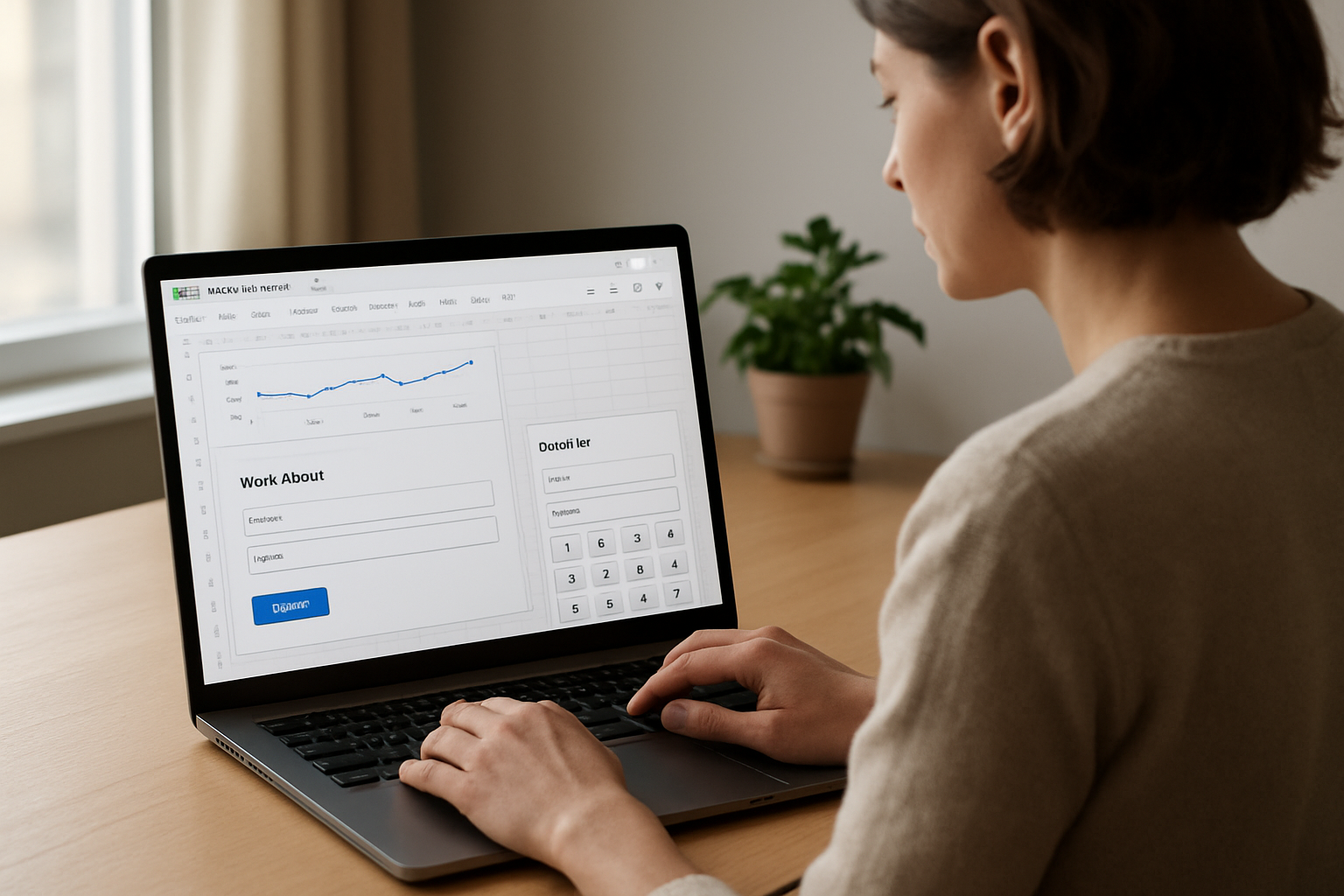
Google’s new Sheets canvas turns a spreadsheet into a prompt-built mini-app, opening a low-code path for dashboards, intake forms, and calculators.
A low-code shortcut for client tools and internal workflows
Google’s new Sheets canvas is the most directly useful part of its latest AI plans update for small businesses: it lets users turn a spreadsheet into a custom, interactive “mini-app” from a simple prompt. According to Google’s official blog, the feature is available with Google AI Pro and Ultra. Google’s Workspace announcement also says it is available to eligible Business and Enterprise Standard/Plus customers, with read-write syncing between the canvas and the source sheet.
For BizTipper’s audience, that matters because many small-business workflows do not need a full software build. A focused spreadsheet-based tool can handle client intake, lead tracking, quote calculators, scheduling boards, internal dashboards, or simple reporting views. If a business can replace a basic SaaS subscription or avoid paying for a one-off custom app, the savings can be immediate. The opportunity is not that Sheets canvas is a full app platform; it is that it may be enough for narrow, repeatable jobs that currently cost time or money.
Where the feature fits best
The verified research brief says the Help Center confirms Sheets canvas is a web feature that requires an eligible Google Workspace or Google AI plan, and that canvases only use data from a single sheet tab. That limitation is important. It suggests the feature is best for focused workflows rather than complex systems with many data sources, deep permissions, or multi-step automation.
That still leaves a lot of practical uses. A consultant could build a branded intake tool for prospects. A freelancer could create a project tracker that clients can interact with. A local service business could use a simple estimate calculator or job-status dashboard. A creator selling digital products could build a lead magnet calculator or planning sheet that doubles as a client-facing tool. In each case, the business value is the same: faster setup, less developer dependence, and a cleaner way to present information than a raw spreadsheet.
Business implications: faster prototyping, lower software spend
The strongest opportunity here is rapid prototyping. Instead of waiting on a developer or stitching together multiple tools, a small business can test a workflow inside Sheets and refine it as the process changes. That can reduce the cost of experimentation, especially for owners who are still figuring out what clients actually want to see or submit.
There is also a potential replacement angle. If a business currently pays for a lightweight tool that mainly collects inputs, shows a dashboard, or performs a simple calculation, Sheets canvas may be enough to recreate the core function. The research brief does not say it is a drop-in replacement for any specific product, so the safer takeaway is that it can potentially replace simple SaaS tools or custom one-off apps in narrow use cases.
Access limits matter for planning
Google’s update also makes clear that access is gated. The feature is available globally in English for AI Pro and Ultra subscribers, and in Workspace Business and Enterprise Standard and Plus editions. The Help Center’s single-tab limitation means businesses should plan around a single source of truth rather than expecting a full database-style application.
That makes Sheets canvas a good fit for owners who want to move quickly on a specific workflow, not for businesses trying to build a complete software product. For the right use case, though, it offers a practical way to create customer-facing tools and internal dashboards without hiring a developer first.