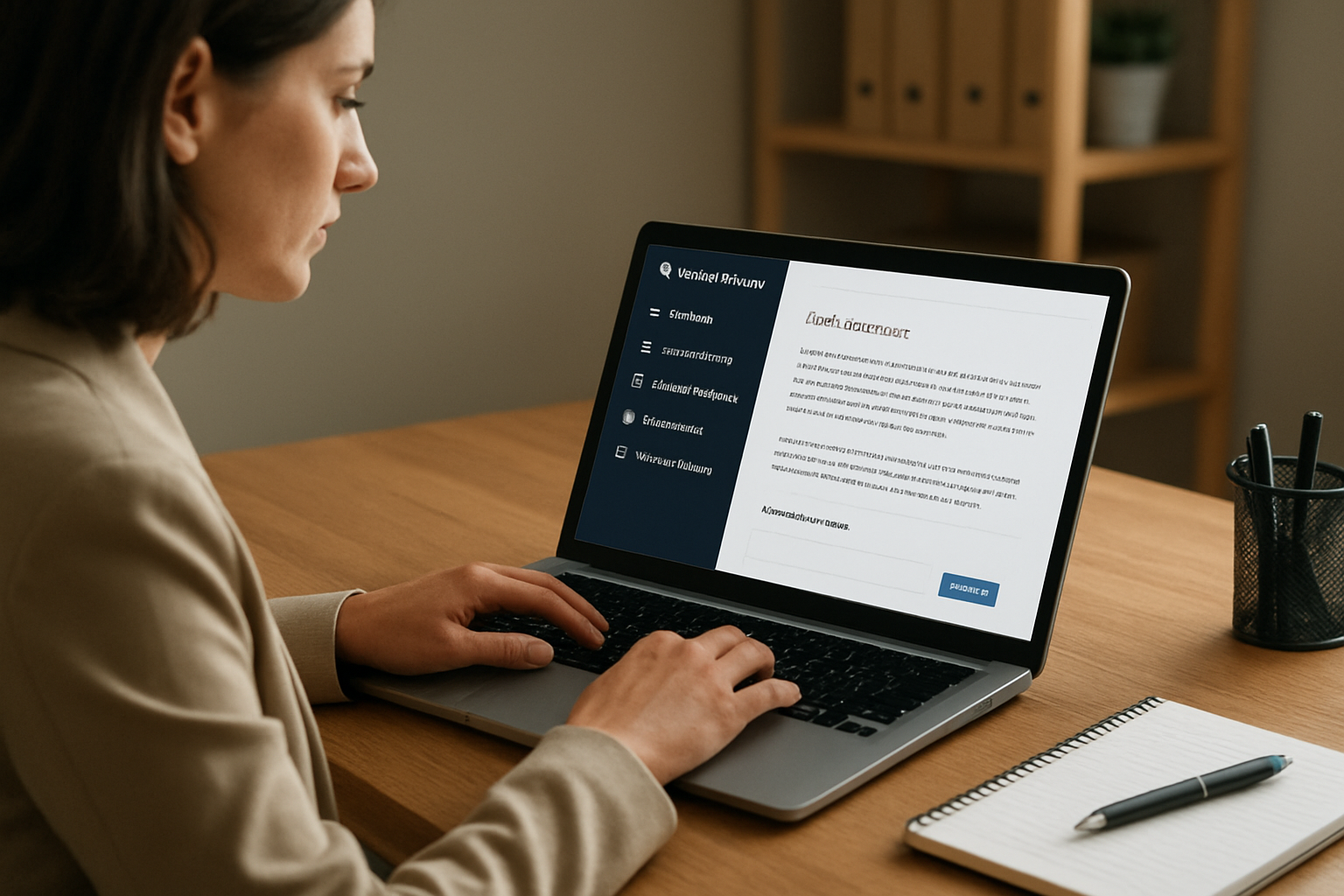
OpenAI’s latest Business release notes point to practical uses for small teams: faster document drafting, scheduled automations, data reporting, and controlled workspace access.
Why this matters for small businesses
OpenAI’s ChatGPT Business release notes point to a clear operational use case for small firms: cut the time spent on drafting, reporting, and routine coordination without adding staff. According to the verified research brief, ChatGPT for Word launched for Business users on September 17, 2026, with sidebar drafting, summarization, revision, and heading and formatting controls. For a consultant, agency, bookkeeper, or service business, that means proposals, client updates, SOPs, and internal memos can be assembled inside the document workflow instead of being copied back and forth between tools.
The same release notes say workspace admins can toggle access, and Word access is slated to be enabled by default starting October 1, 2026. OpenAI also says Word usage is token-priced at API rates, subject to plan token limits, and draws from shared usage allowances for premium features on qualifying plans. That makes the feature useful, but not free-form: teams need to watch usage and decide which staff actually need access.
Practical automations inside a workspace
The release notes also add workflow features that are more than convenience upgrades. The verified brief says scheduled tasks can now respond to app updates via webhooks for Gmail, Slack, and GitHub, and teams can share customizable scheduled tasks inside a workspace. For a small business, that can translate into practical automations such as routing new email leads into a follow-up task, alerting a team channel when a support ticket changes, or triggering a reminder when a GitHub issue moves.
OpenAI also added a Data plugin that can analyze connected business data and build dashboards and reports in Work and Codex. That is relevant for owners who want simple KPI reporting without building a separate analytics stack. A small business could use it to monitor sales activity, support volume, or operational backlogs, then turn those reports into weekly management updates. The opportunity is not just speed; it is consistency. Repeating the same reporting process inside a workspace reduces the chance that someone forgets a manual step.
Where the cost savings show up
OpenAI’s partner plugin credit promotions may be the most immediately tangible incentive. The verified brief says eligible ChatGPT Business users can receive a $50 workspace credit for trying participating plugins including Stripe, Intuit QuickBooks, HubSpot, Gusto, Dropbox, and Canva, subject to eligibility, installation, and a successful workflow within seven days. For small businesses already using those tools, that can lower the cost of testing whether AI can help with bookkeeping, payroll admin, CRM follow-up, file handling, or lightweight marketing production.
The business angle is straightforward: if a team can automate even a few recurring tasks, it may save enough time to delay hiring, reduce contractor spend, or free up staff for sales and client work. The strongest use cases in the source material are customer support triage, lead follow-up, KPI monitoring, bookkeeping and reporting, payroll and admin automation, and content production.
Control matters for sensitive business data
The release notes also emphasize admin control. Workspace admins can enable or disable Word access, manage plugin installation policies, and keep workspace controls in force for features like Data, Appshots, and scheduled tasks. OpenAI says existing workspace restrictions still apply to these features, which matters for businesses handling customer records, financial information, or internal documents.
That makes the rollout more practical for firms that need guardrails before adopting AI broadly. A small business can start with a narrow pilot: one team, one document type, one reporting workflow, and one automation path. If the results are useful, the workspace can expand access without losing control over who can use what.
Separate compliance signal for tax and accounting teams
There is also a separate operational update from the IRS that matters to tax preparers and businesses with corporate filing workflows. On September 2, 2026, the IRS published TY2026 XML schemas and business rules for the 1120 family, including 1120, 1120-F, 1120-H, 1120-L, 1120-PC, 1120-REIT, 1120-RIC, and 1120-S. The package includes comparison files between v2.0 and v3.0, is available for program planning, will be available for ATS on October 13, 2026, and is not valid for production yet.
For small businesses and tax software builders, that is a reminder to review filing workflows now rather than waiting for the deadline. If a firm is already using AI tools to draft internal summaries or organize source documents, the next step is to connect that efficiency to compliance work: keep filing data organized, track schema changes, and make sure the people responsible for returns know where the updated rules live.
For BizTipper readers, the opportunity is not the headline itself. It is the combination of document drafting, workflow automation, data analysis, and controlled access inside a business workspace. That mix can save time, reduce admin overhead, and support customer-facing processes without hiring more staff.